

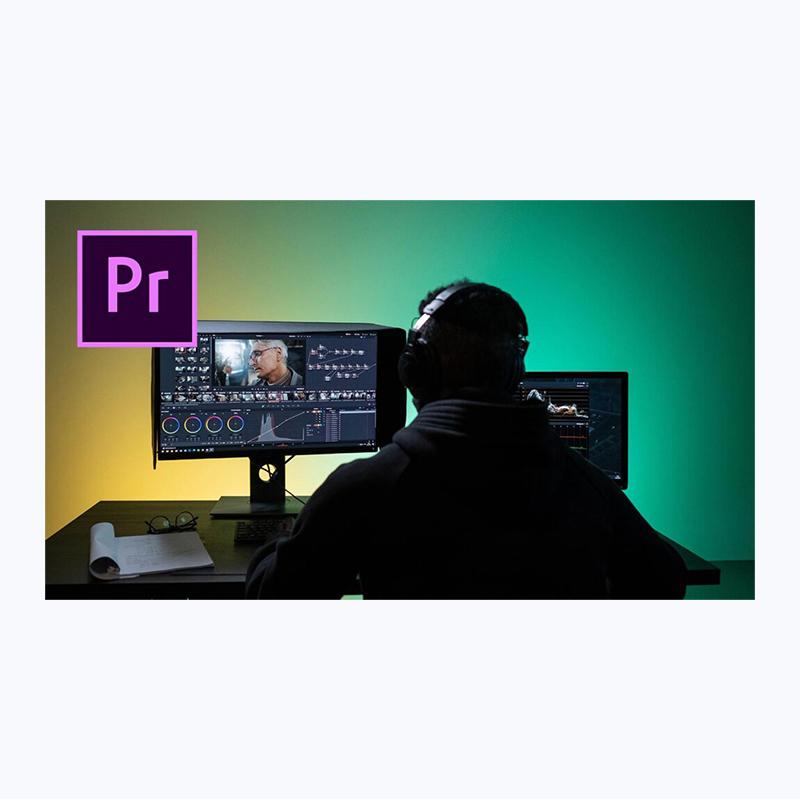

Learn Video Editing in Adobe Premiere Pro with Color Correction & Color Grading and Professional Video Editing practices
What you’ll learn
-
By the end of the course you’ll have created your own Demo-Reel from 1min to 4/5 minutes – depending on your ambitions
-
The Entire Video Editing Process while you create you Demo Reel with professionally shut footage provided for you.
-
Efficiently use all the editing tools in Premiere Pro CC – The right tools with right techniques at the right place and time
-
How to use the powerful Editing Monitors within Premiere Pro CC from the Trim Monitor to Speed adjustment Monitors
-
The complete and professional Color Correction Process – A step by step approach, Including how to use the all Lumetri Scopes and the Lumetri Color Panel.
-
The concept behind Color Grading and how to apply Color Grading in a professional way to create different moods and feelings for your Videos
-
How to use the latest Graphics within Premiere Pro CC to create Titles, Lower thirds and more…
Requirements
-
Ultimately, you should have Adobe Premiere Pro CC 2017 up to 2021 installed to thoroughly follow along and practice while you are learning.
-
You can also learn the entire Video Editing Process and create your projects using prior versions of Premiere Pro CC.
-
A minimum free disk space of 1GB to download and work with the necessary professional footage I have provided.
-
If you want to create your OWN UNIQUE DEMO-REEL you will need at least 4GB of Free disk space to download 230+ Video Clip to work with.


Reviews
There are no reviews yet.